
Using Cricut Infusible Ink With The Original EasyPress
Cricut Infusible Ink is the newest product to transfer images to a t-shirt or tote bag. Unlike heat transfer vinyl, this is actual ink that fuses onto a t-shirt, tote bag or coaster. It’s an amazing process that you can do at home with your Cricut and EasyPress.

When Cricut first launched this, I couldn’t wait to try it out. My mister had given me an EasyPress last Christmas. It is the wisteria one from JoAnn’s. I love to use this little press.
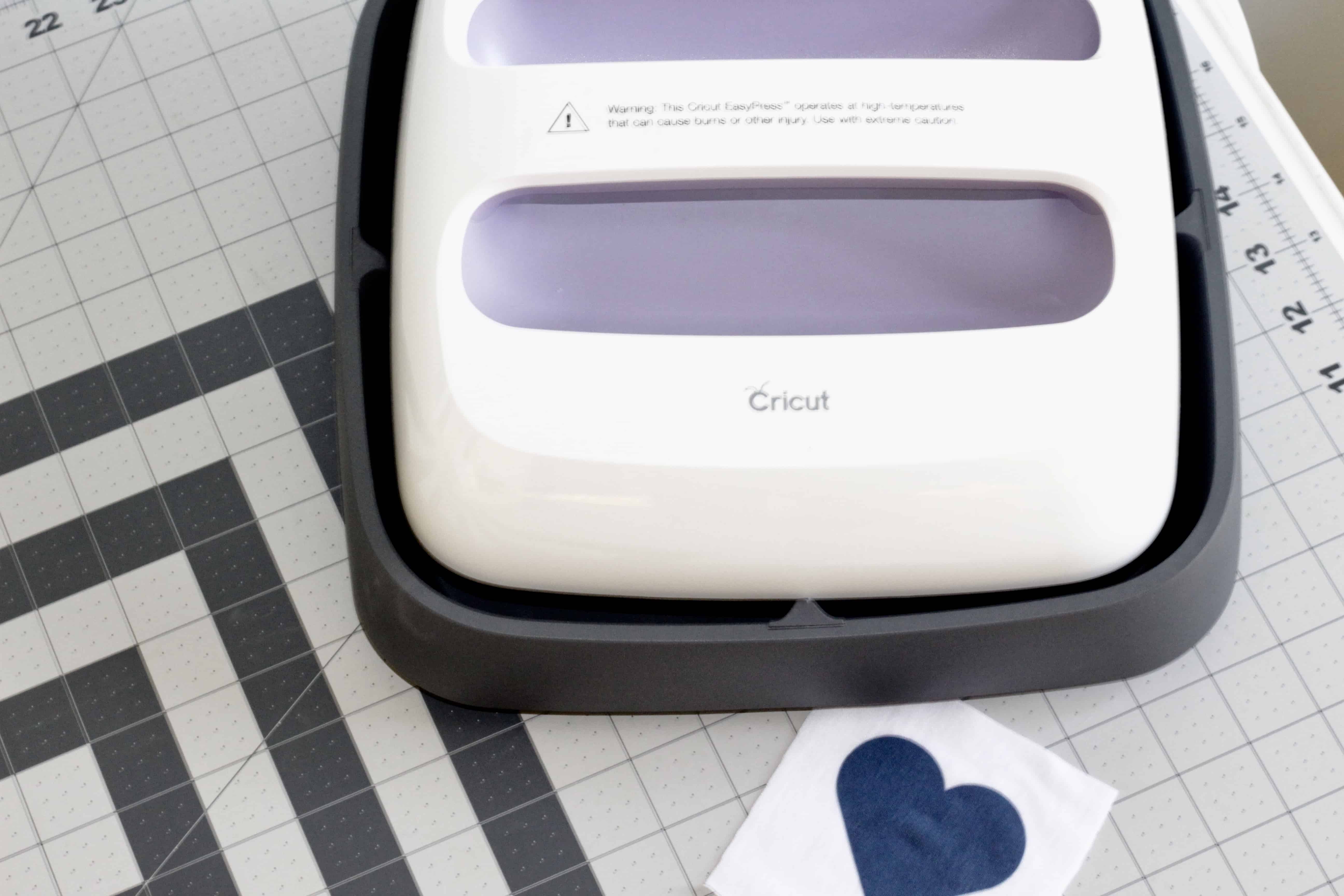
Using the Cricut Original EasyPress With Infusible Ink
There were rumors that the original EasyPress wouldn’t get hot enough to use the new infusible ink. That for this to work, an EasyPress 2 was required.
That couldn’t be further from the truth. You CAN use the original EasyPress. It just takes longer to fuse. By using Cricut’s EasyPress Heat Transfer Guide, you will quickly and easily be able to create awesome t-shirts in minutes.
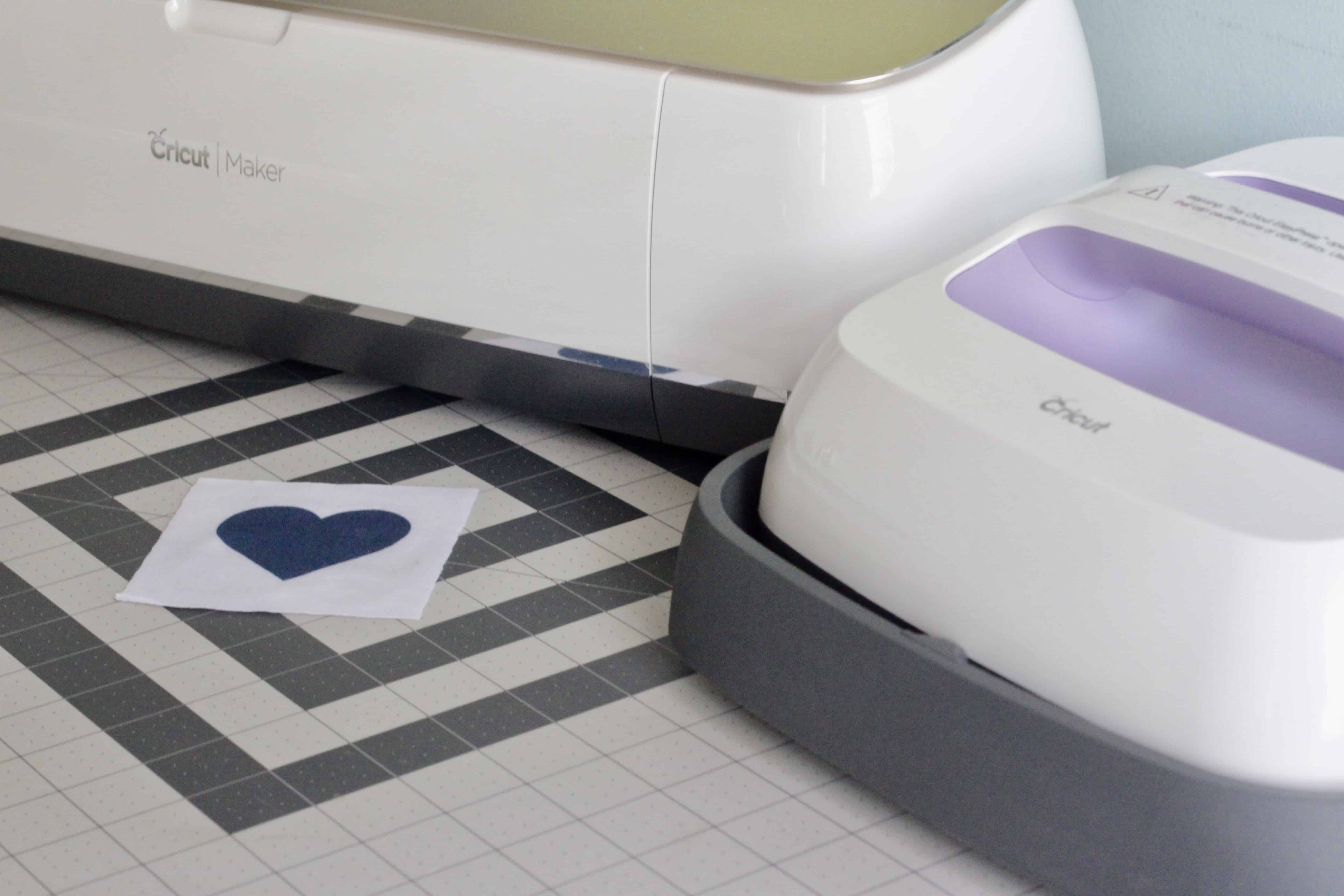
You can use any Cricut cutting machine. I have the Cricut Maker which I love.
Materials That Can Be Used With Cricut Infusible Ink
I bought a package of Cricut Infusible Ink transfer sheets from Michael’s. There are also t-shirts, tote bags, baby onesies and coasters made by Cricut available to use as blanks for your projects.
These blanks are specifically made to work with the Infusible Ink which will only adhere to 100% polyester materials. The infusible ink won’t transfer to just any material. It has to have polyester in it to work. That is fine but this limits what you can transfer images to.
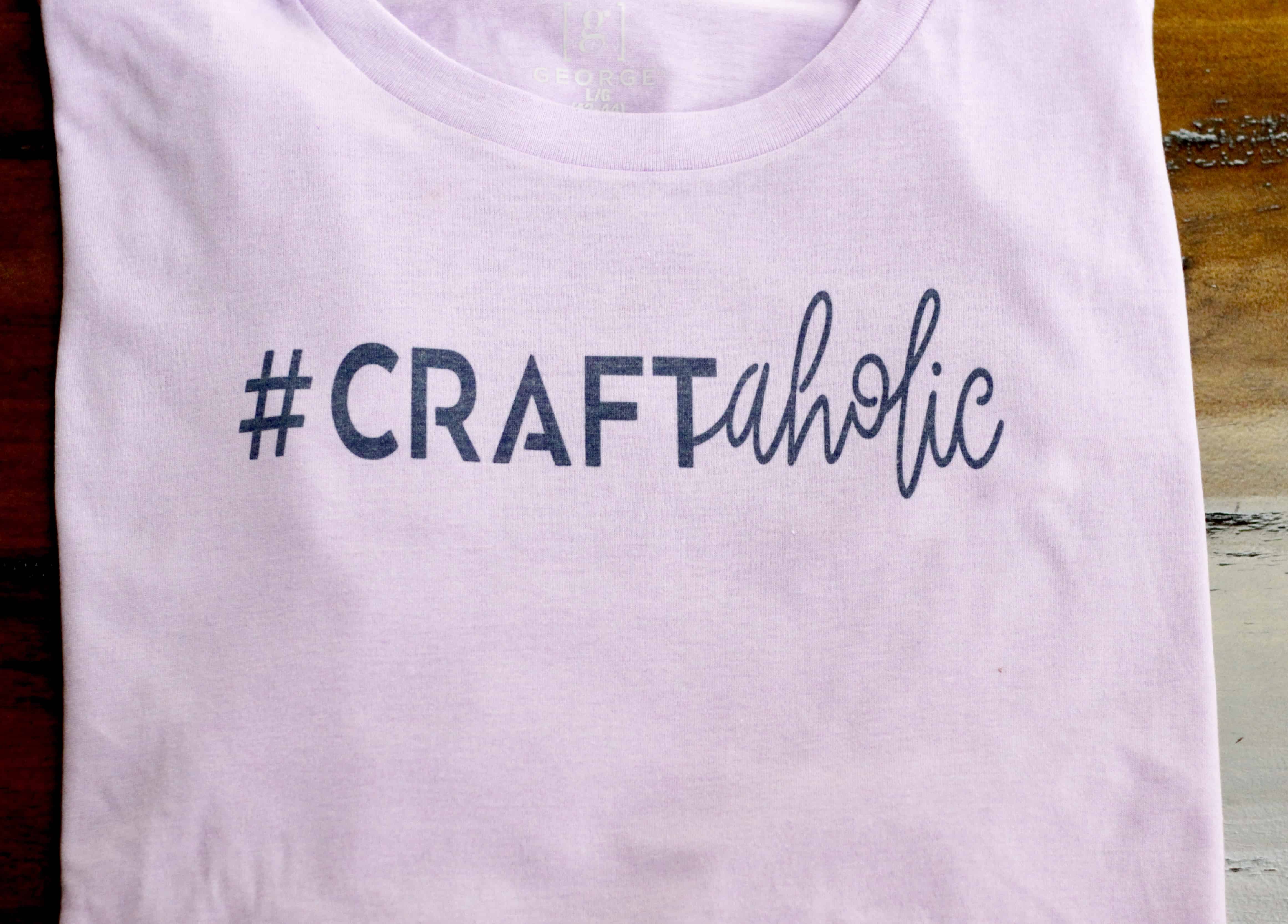
I didn’t want to use a 100% polyester t-shirt. So, I picked up a 65% polyester/35% cotton t-shirt at Walmart to try this out. It is a man’s George t-shirt brand.
According to Cricut, shirts that are a poly blend may not be as vibrant as those shirts that are 100% polyester. Just to understand, you may not get the desired results if you deviate from using a Cricut blank. You can only use white or light colors. Dark colors will not work.
My Experience With Cricut Infusible Ink
I decided to give it a try.
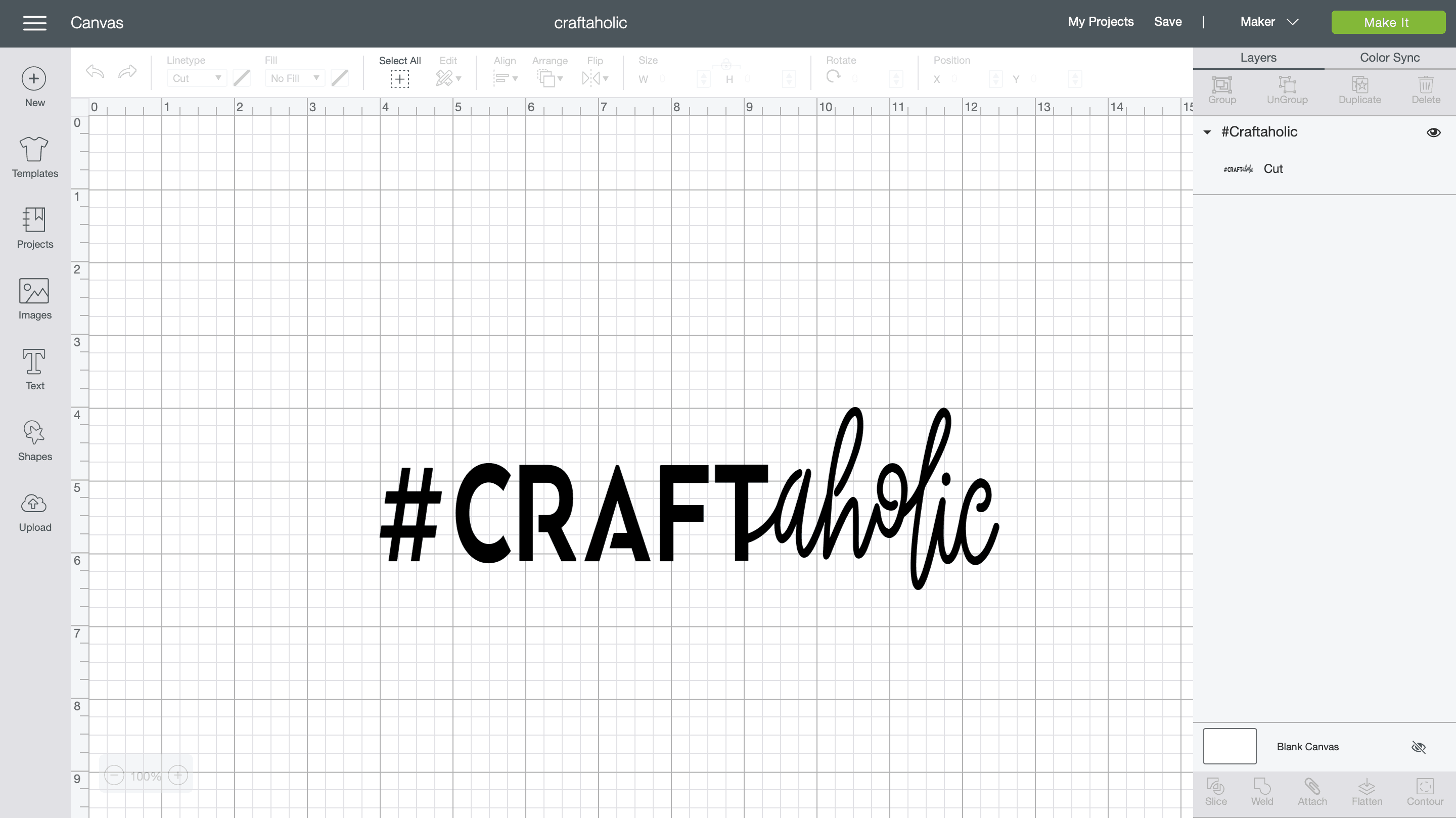
I cut my design in Design Space with the Infusible Ink sheet on a standard mat.
Here is the design I used. Make sure you are signed into Design Space to access this project.
Just be sure your design is not larger than the area of your EasyPress. You can only heat press the ink once or it will smear.
I then weeded it by hand. If you use a weeding tool, it is possible to leave a bit of unwanted ink behind on the transfer sheet, which could transfer to your project. Weeding by hand was actually very easy and the preferred method. The Infusible Ink transfer sheet is much easier than weeding heat transfer vinyl.
The ink transfer sheets are like a stiff paper. Not flimsy at all.
Following the steps in the heat guide for the EasyPress, I transferred the design to my t-shirt.
Using a lilac colored t-shirt with a navy Infusible Transfer sheet, it turned out fantastic!
All I can say is WOW! This shirt worked. With the original EasyPress, too!
Use The Sample Square Of Fabric To Practice With
Included with the sheets of infusible ink is a white square of polyester t-shirt fabric. I highly recommend you do a sample with that first.
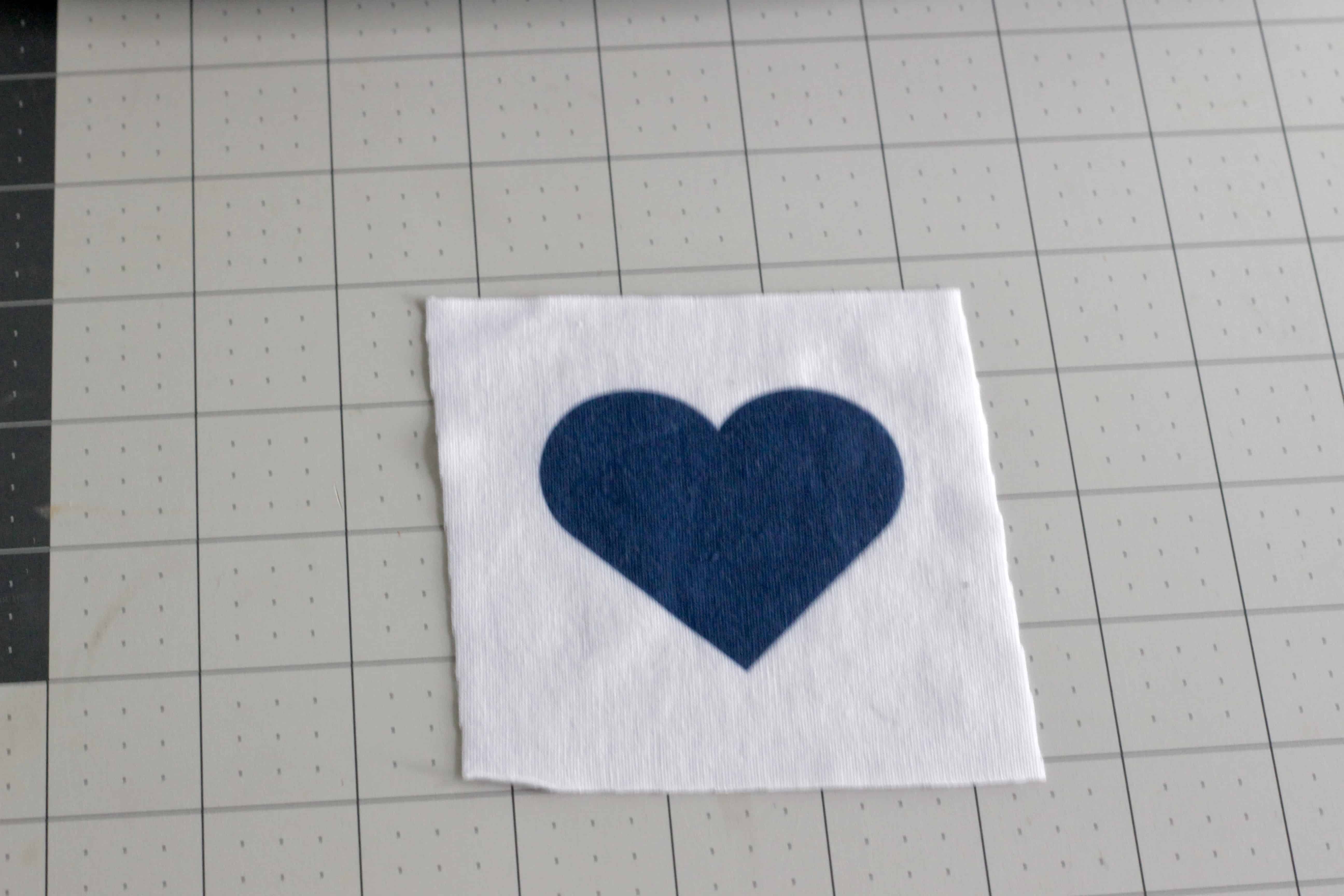
It is important to use the step by step directions to properly transfer the ink to your project. You can easily overlook a step, so practice on the square first using Cricut’s EasyPress Heat Transfer guide.
On my sample, I simply cut out a heart and transferred it to the sample fabric. I would rather mess up the sample than my actual project. Practice is important.
When compared to my finished t-shirt with the sample I had done, I could tell a slight difference but not enough to bother me. The poly/cotton blend was fine.
I have washed and tumble dried my lilac t-shirt several times. This shirt looks just as good as when I first did the transfer.
In Summary
- The original EasyPress works with Cricut Infusible Ink
- Use Cricut’s EasyPress Heat Guide for step by step instructions
- When using a poly/cotton blend t-shirt, your results may vary
- Only heat press your design once to avoid smearing the ink
- Do not make your design larger than the size of your EasyPress
- Be sure to practice on the sample fabric provided in the Infusible Ink package
I can’t wait to make another t-shirt project with the Infusible Ink. It was fun and easy.
If you have the original EasyPress, go ahead and use it. The results are amazing.
THANK YOU! I’ve not been able to find this answer anywhere and I’m so glad I don’t have to buy the new easypress to do so. Looking to make my kiddo personalized sheets!!